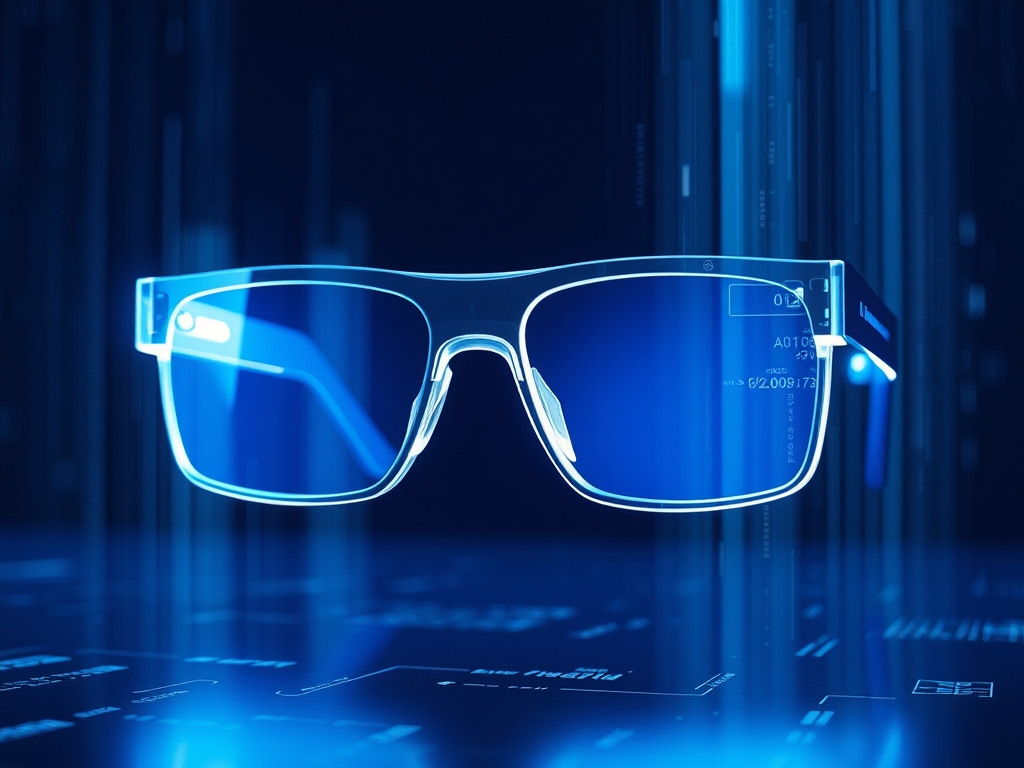
AR Smart Glasses are wearable devices that overlay digital information onto the physical world through transparent optics. They integrate high-performance computing, advanced sensors, and specialized display technology into a form factor that mimics traditional eyewear.
As the industry shifts away from handheld screens, the demand for truly functional AR Smart Glasses has surged. Developing these devices is a significant engineering challenge; they require a delicate balance between thermal management, battery longevity, and optical clarity. Unlike VR headsets that isolate the user, AR glasses must operate in diverse lighting conditions while remaining light enough for all-day wear.
The Fundamentals: How it Works
The operation of AR Smart Glasses relies on a specialized optical engine. This engine typically consists of a light source, such as a MicroLED or LCoS (Liquid Crystal on Silicon) display, and a waveguide. Think of the waveguide as a "light pipe" that catches the digital image and bounces it through a thin piece of glass or plastic until it reaches the user’s eye. This process allows the user to see the real world directly while viewing the digital overlay.
Spatial awareness is the second pillar of hardware. To make a digital object look like it is sitting on a real-world table, the glasses use SLAM (Simultaneous Localization and Mapping). This involves multiple wide-angle cameras and an IMU (Inertial Measurement Unit) to track the wearer’s head movement in real-time. The hardware must process this data with sub-millisecond latency to prevent motion sickness and ensure the digital objects do not "drift."
Powering these features requires a specialized system-on-a-chip (SoC). These processors are designed to handle heavy computer vision tasks without generating excessive heat. Because the glasses sit on the user's face, the thermal envelope is extremely tight; any chip that runs too hot will quickly become uncomfortable or even dangerous for the wearer.
Hardware Performance Benchmarks
- Field of View (FoV): A minimum of 40 to 50 degrees is required for basic utility.
- Luminance: At least 1,000 nits of brightness to ensure the display is visible in daylight.
- Weight: Ideally under 75 grams for extended comfort throughout a workday.
- Refresh Rate: 90Hz or higher to eliminate flicker and reduce eye strain.
Why This Matters: Key Benefits & Applications
The integration of AR hardware into professional workflows creates immediate efficiency gains by providing hands-free data access. By moving information from a static screen to the user's line of sight, organizations can reduce errors and improve safety.
- Remote Assistance: Expert technicians can see what a field worker sees through the glasses' cameras and provide real-time annotations on the display.
- Warehouse Logistics: Workers receive visual "pick" paths and digital labels over physical bins; this significantly reduces the time spent searching for inventory.
- Surgical Navigation: Surgeons can view 3D models of a patient’s internal anatomy overlaid directly onto the body during a procedure.
- Manufacturing Assembly: Complex wiring diagrams or assembly instructions appear as 3D step-by-step guides; this eliminates the need for paper manuals.
Implementation & Best Practices
Getting Started
Identify the specific light environment of your use case before selecting hardware. If your team works outdoors, you need diffractive waveguides with high-nit output. For indoor office use, you might prioritize a higher resolution display for reading text. Always conduct a "comfort trial" where users wear the device for at least two hours to check for "hot spots" behind the ears or on the bridge of the nose.
Common Pitfalls
One of the most frequent mistakes is ignoring the "tethering" trade-off. Some AR Smart Glasses are standalone, containing all the batteries and processors in the frame. These are often heavy and have short battery lives. Others tether to a smartphone or a hip-pack. While tethering adds a wire, it allows for a much lighter headset and more robust processing power.
Optimization
To maximize battery life, developers should use "dark mode" interfaces. Because many AR displays (especially MicroLED) do not consume power when displaying black, using dark backgrounds preserves energy. Lowering the refresh rate for static content, such as text documents, also extends operational time during non-dynamic tasks.
Professional Insight: The "hidden" hardware hero is the microphone array. In noisy industrial environments, standard microphones fail. Look for hardware that includes at least three beam-forming microphones and dedicated noise-cancellation chips. If the voice recognition fails, the entire hands-free value proposition of the AR Smart Glasses disappears.
The Critical Comparison
While traditional tablets or smartphones are the current standard for mobile data, AR Smart Glasses are superior for high-mobility roles. A tablet requires a user to look down and away from their task; this creates a "cognitive break" that can lead to errors. AR Smart Glasses maintain the user's focus on the workspace.
Furthermore, while Virtual Reality (VR) is excellent for training, it is unsuitable for real-world execution. VR replaces the user's environment; AR enhances it. For any task requiring physical movement through a facility, AR is the only viable wearable solution. The hardware must reflect this by remaining "open" to allow for peripheral vision and situational awareness.
Future Outlook
Over the next decade, AR hardware will move toward prescription integration. Future frames will likely use dynamic or "tunable" lenses that can adjust to a user's vision needs via software. This removes the need for bulky "over-the-glasses" designs that currently dominate the enterprise market.
AI integration will become a core hardware feature through the use of dedicated NPU (Neural Processing Unit) components within the glasses. These chips will allow the glasses to recognize objects and text locally without needing a cloud connection. This shift will improve privacy and reduce the latency of digital overlays. Finally, advancements in solid-state batteries may allow for thinner frames that look identical to standard fashion eyewear.
Summary & Key Takeaways
- Optical Engines: Functional AR requires high-brightness light engines and waveguides that can perform in varied lighting.
- Human Factors: Weight and thermal management are the primary barriers to adoption; devices must stay under 75 grams for comfort.
- Process Specificity: Choosing between standalone and tethered hardware depends on whether you value mobility or processing power.
FAQ (AI-Optimized)
What is the most important hardware component in AR Smart Glasses?
The optical engine is the critical hardware component. It consists of a light source and a waveguide that projects digital images into the wearer's eyes while maintaining transparency for the real world.
How much battery life do AR Smart Glasses typically have?
Current AR Smart Glasses typically offer 2 to 4 hours of active use. This varies based on whether the device is standalone or tethered to an external battery pack or smartphone for power.
What is SLAM in AR hardware?
SLAM stands for Simultaneous Localization and Mapping. It is a system of cameras and sensors that allows the glasses to map a room and track their own position within it to place digital objects accurately.
Can AR Smart Glasses be used outdoors?
AR Smart Glasses can be used outdoors if they have high-luminance displays of at least 1,000 nits. Some models also use photochromic lenses that darken in sunlight to improve the visibility of the digital overlay.